Your research, organized in a local notebook.
ELN Community — a free, open-source electronic lab notebook for Windows
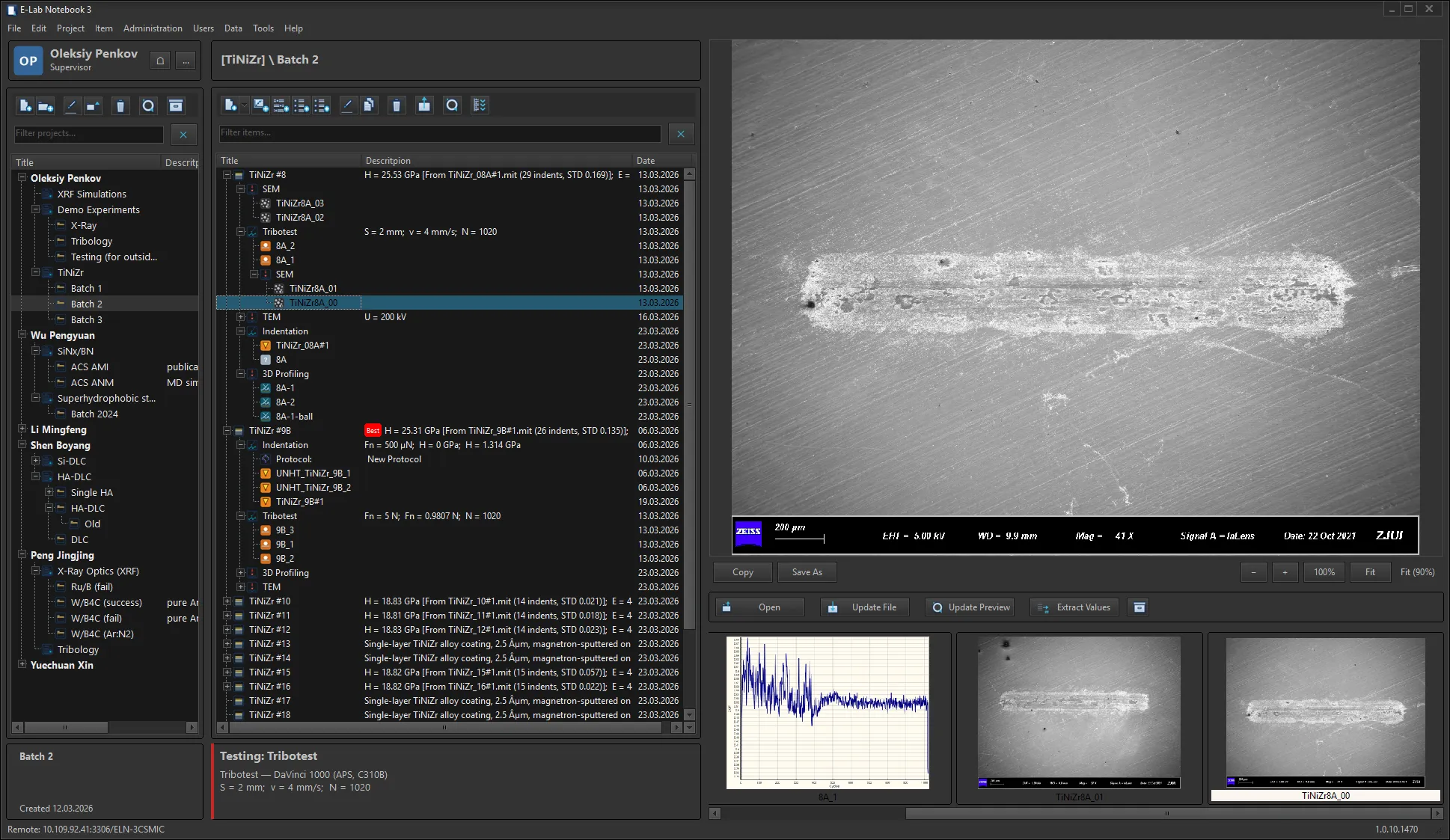
Key features
Organize experiments, specimens, measurements, files, and scientific notes in local SQLite notebooks, with templates, electronic signatures, and a project wiki.
See all featuresAI integration
Connect AI assistants through MCP. The Community installer includes a local MCP server.
Organize work
Projects, folders, experiments — structured data capture
Protocols and compliance
Electronic signatures, audit trail, 21 CFR Part 11
Data analysis
Built-in charts, statistics, and correlations
Integrated wikiNew
A Markdown knowledge base for each project: capture goals, ideas, literature, and analysis alongside experiments, and cross-link items via eln:// URLs.

How it works
- 1
Set up
Install Community and create a local notebook. No database server is needed.
- 2
Organize
Create projects, folders, and experiments. Attach files and notes.
- 3
Analyze
Plot data, run regressions, correlate conditions with results.
- 4
Sign and comply
Electronic signatures, audit trail, and integrity verification.
- SQLite
- Local notebooks
- Apache-2.0
- APS-owned source
- Windows
- Windows 10 or later
- Local
- Attachment storage
- Commercial
- Shared team deployment
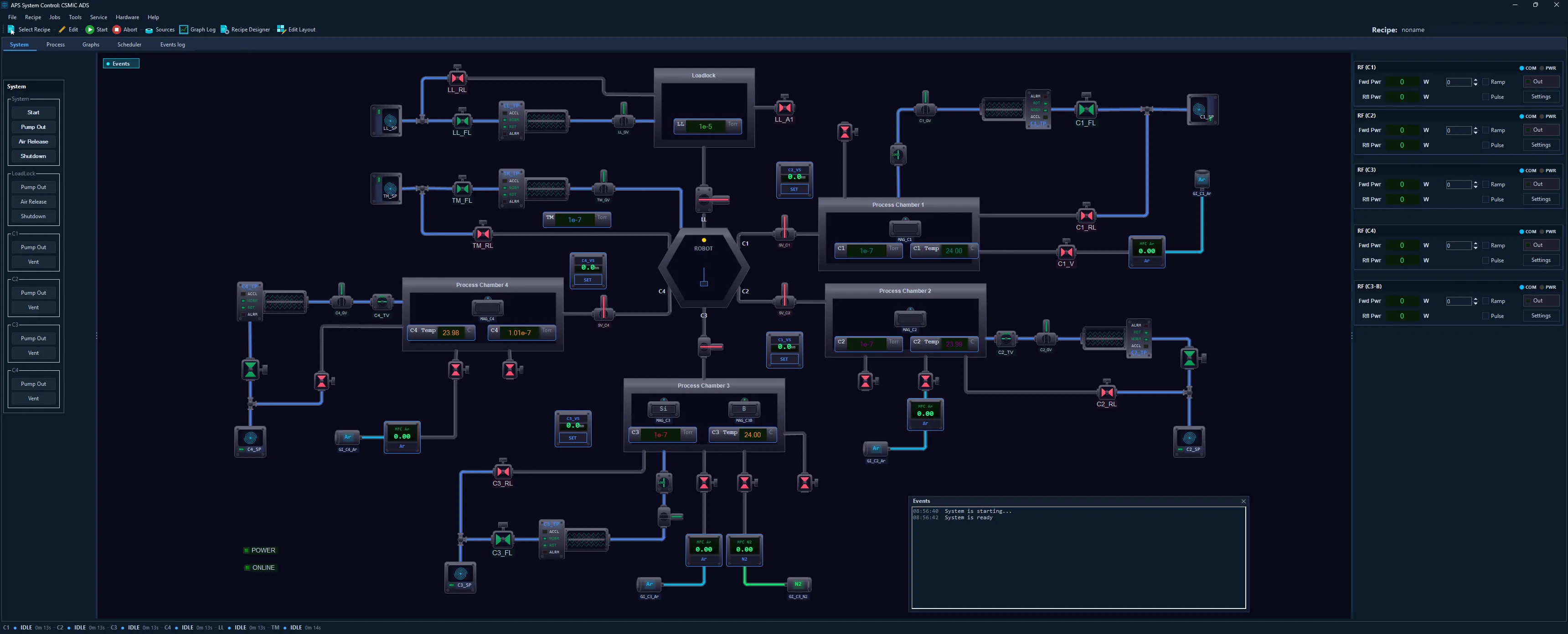
Ready to modernize your lab?
Download free Community for local research records. For shared team deployment, contact APS about Commercial.
- 21 CFR Part 11
- ISO Compliant
- Data Integrity
- Electronic Signatures